
AlphaGen
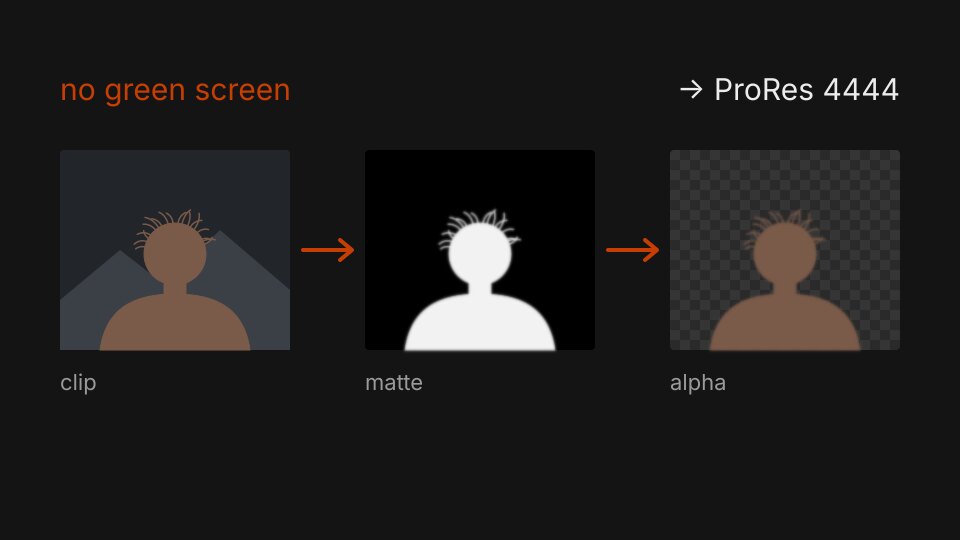
Drag a clip onto a file and get an alpha matte back. No green screen, no roto.
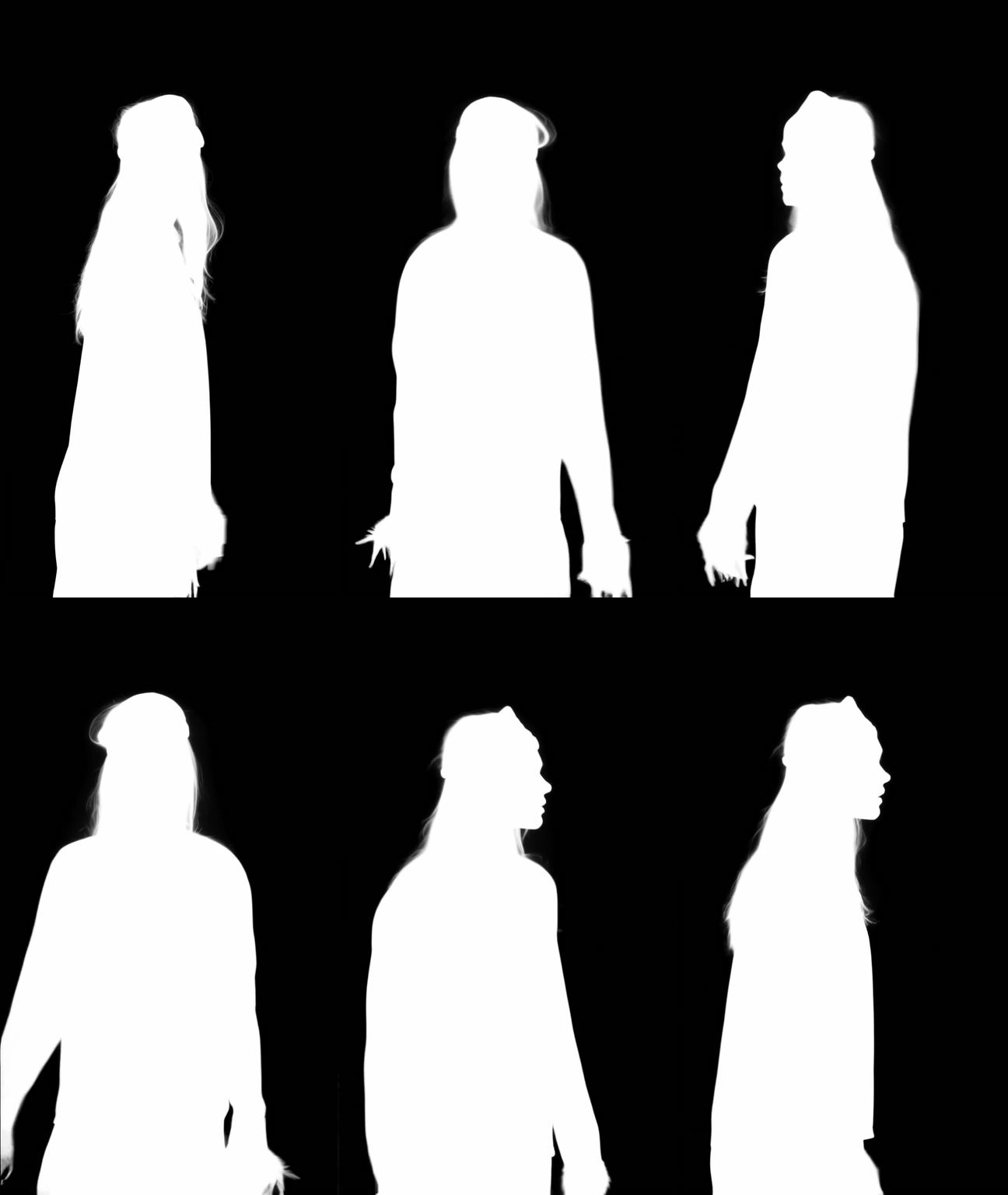
In October Lightricks released Alpha Gen, an add-on for their LTX-2.5 video model that takes an ordinary clip and gives you back a matte for every frame. No green screen, no masks, no prompt. It's built for exactly the edges you dread rotoscoping: hair, fur, smoke, sheer fabric, glass. I wanted to use it without opening a browser every time, so I made a little drag-and-drop tool for it.
What it does
- Drop one or more clips on
AlphaGen.bat. Each one goes to Alpha Gen on fal.ai, and two files land next to the original:yourclip_matte.mp4(white is foreground) andyourclip_alpha.mov(ProRes 4444 with straight alpha). - Clips can be up to 4K and about two minutes long, up to 200 MB. See the upload limits below.
- The first time you run it, it finds Python on your PC, installs what it needs and asks for your fal.ai key. After that it just runs.
Set up (once)
- Make an account on fal.ai, add some credit and create an API key under Settings › API Keys. Copy the whole key; fal only shows it once.
- Unzip
AlphaGen.zipanywhere. Keep both files together. - Drop a short test clip on
AlphaGen.batand paste your key when it asks. It's saved in your Windows user settings, so you only do this once. Your key never goes into the files.
No Python yet? Install it from python.org and tick "Add python.exe to PATH".
Upload limits
fal sets a few limits on what you can send it:
- File size: 200 MB per clip. ProRes plates get there quickly.
- Length: up to 3,072 frames, so about two minutes at 25 fps.
- Resolution: up to 3840 px on the long side and 2160 px on the short side, so 4K UHD is the maximum.
- Shape: nothing wider than 32:9.
If a clip is over 200 MB, the tool makes a high-quality H.264 copy just for the upload. For that you need ffmpeg installed and on your PATH. Without it, the window tells you the clip is too big, and you export a smaller version yourself: a high-bitrate H.264 or H.265 MP4 at the plate's own resolution works well. Longer than two minutes or bigger than 4K? Split or scale the clip before you drop it.
In After Effects
Put the _matte.mp4 above your original plate and use it as a Luma Matte. That way you keep the full quality of your own footage, and only the edges come from the AI. The _alpha.mov is handy for quick looks, but its colour comes from the uploaded clip.
Good to know
- You can't point at what to cut out. The model decides what the subject is. With a busy shot, combine the matte with a rough garbage mask, or crop the clip around what you want before you drop it.
- Upload good-quality clips. The matte is only as sharp as what you give it, so a heavily compressed export means softer edges.
- Results are made on fal's servers, so your clip is uploaded there. Keep that in mind for client footage under NDA.
Questions
What does it cost?
The tool is free. The matte itself is made on fal.ai, which bills per second of video: about $0.10 a second at 1080p, $0.25 at 1440p and $1.00 at 4K, going by the shorter side of the clip. A five-second 1080p shot is about fifty cents.
Can I tell it what to cut out?
No. There's no mask or prompt, so the model decides what the foreground is. With one clear subject that's great. With a busy shot, draw a rough garbage mask in After Effects and combine it with the matte, or crop the clip around the thing you want before you drop it.
Why not run it locally?
You can. Alpha Gen is an open-weights IC-LoRA on top of LTX-2.5, so it runs in ComfyUI. But the model is 22B parameters, the local version is capped at about six seconds a clip, and full HD needs a data-centre GPU. The hosted version takes much longer clips up to 4K, and you don't have to set anything up.
Does it work on a Mac?
The batch file is Windows only. The Python script inside works on a Mac too: run python3 alphagen.py yourclip.mp4 in Terminal after pip install fal-client and setting FAL_KEY.
Free to use and share.